
Data Training
Data Training
Key training modules to support Communities through their data development journey.
data security (available online and in person)
Learn about personal data, sensitive information, key habits and risks. If you want to jump straight into it, there is a 1-2 hour online course here: Start here
Power BI
Here are some examples of what to expect from each level of our in-person Power BI training:

Beginner
Access and prepare data in Power BI Desktop, including importing, transforming, and appending data from multiple sources so it’s ready for reporting.
Create a publish-ready report, using features like conditional formatting, adding logos, and applying a custom theme.
Intermediate
Bring in data from files (like Excel), relational databases (like SQL Server), applications/online services, NoSQL, and Azure Analysis Services
Resolve data quality issues (nulls, inconsistencies, unexpected values)
Advanced/Accredited
Enhancing UX with features like bookmarks, visual headers, and built-in guidance
Involves training to Microsoft accreditation level.
Request training
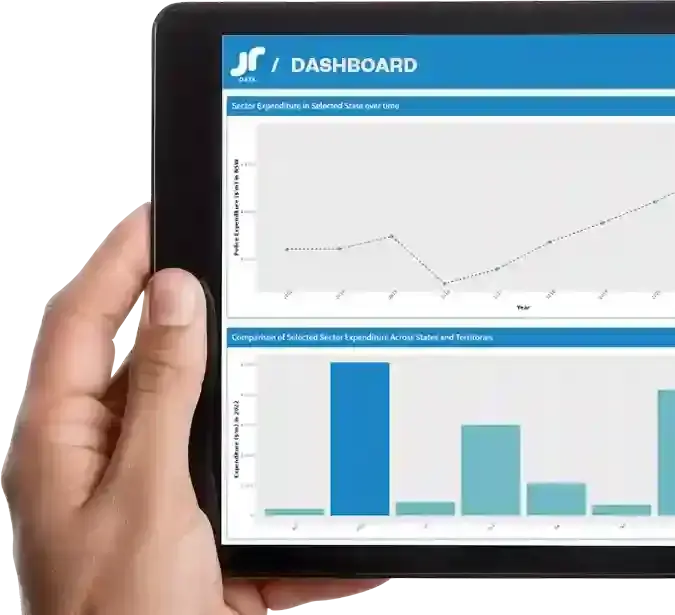
JRNSW Community Dashboards
Provide tailored dashboard specific to site needs No formal training required – just an optional run through with JRNSWCommunity feedback open on what should be in the next Dashboards.
First Dashboard available here